
Watch it.
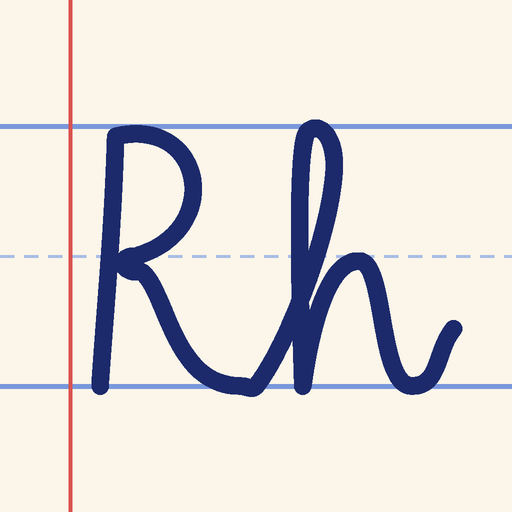
Every letter is drawn stroke by stroke, with numbers and arrows.
Coming soon · iPad
Learn cursive, one letter at a time.
Watch, trace and write with Apple Pencil, and get a friendly tip on every letter. Free to start on iPad.
What you get
Ribbonhand teaches cursive on iPad with a demo, a trace and honest feedback on every letter.
Every letter is drawn stroke by stroke, with numbers and arrows.
Write on real ruled lines and get stars and a tip for each letter.
Decode notes, postcards and old family letters written in cursive.
How it works
26 letters, capital and lowercase, each with an animated demo. Linking pages practise joins, and Words pages use real words made only from the letters you know.
Classic School, the upright, looped cursive many classrooms teach, and Modern Slant, an easy step from print. Each is its own full course.
Ribbonhand checks shape, stroke direction, size, joins, slant and spacing, then gives one plain tip, like “Close the top of your a”, with a red-pencil ring on the spot to fix.
Gentle, Standard and Strict difficulty, a left-handed mode, and support for VoiceOver, larger text and Reduce Motion.
Handwriting is graded on your iPad and never leaves it. No ads, no tracking, no accounts. Progress syncs across your iPads with iCloud.
Developed by Stealth Launch, LLC · contact@stealthlaunch.com
Letters A to E, with their Linking and Words pages, are free in both styles. Ribbonhand Plus, monthly or annual, unlocks F to Z, every Linking and Words page, the final page, all of Reading Practice, and course settings. It starts with a free week and covers your family with Family Sharing. Manage or cancel it any time in your Apple account settings.
No ads. No tracking. Your handwriting never leaves your iPad.